
Check Best Thermostat Pricing in Amazon
** As an Amazon Associate, I earn from qualifying purchases.
Are you looking to make your home smarter and save on energy bills? Understanding how to work your Ecobee thermostat is the first step.
This smart device does more than just control your home’s temperature—it learns your habits, adapts to your schedule, and helps you stay comfortable while cutting costs. In this guide, you’ll discover simple steps to set up and use your Ecobee thermostat like a pro.
By the end, you’ll know exactly how to get the most out of this powerful tool. Ready to take control of your home’s climate? Let’s dive in.
Getting Started With Ecobee
Starting with your Ecobee thermostat is simple and quick. This guide will help you set it up step-by-step. You will learn how to unpack, install, and connect the device. Also, setting up your account will be easy to follow.
Unboxing And Installation
Open the box carefully to find the thermostat and accessories. Check for the mounting plate, screws, and power extender kit. Turn off your HVAC system before installation to stay safe. Remove the old thermostat and label the wires. Attach the Ecobee mounting plate to the wall. Connect the wires to the matching terminals on the plate. Mount the Ecobee thermostat onto the plate until it clicks.
Connecting To Wi-fi
Turn on your HVAC system to power the thermostat. On the screen, select your Wi-Fi network from the list. Enter your Wi-Fi password using the on-screen keyboard. Wait for the thermostat to connect to the internet. A confirmation message will appear once connected. This connection allows remote control and updates.
Setting Up Your Account
Open the Ecobee app or visit the Ecobee website. Click on “Create Account” and enter your details. Use a valid email and create a strong password. Follow the prompts to link your thermostat to your account. This step lets you control the thermostat from anywhere. You can also set preferences and schedules online.
Credit: jacksonsystems.com
Navigating The Ecobee Interface
Navigating the Ecobee interface is simple and user-friendly. This smart thermostat offers clear controls. You can adjust settings easily using the touchscreen, the app, or voice commands. Each method helps you manage your home’s temperature with comfort and convenience.
Understanding these options lets you choose the best way to control your Ecobee. Whether at home or away, you stay in control. Let’s explore how to use each feature effectively.
Touchscreen Basics
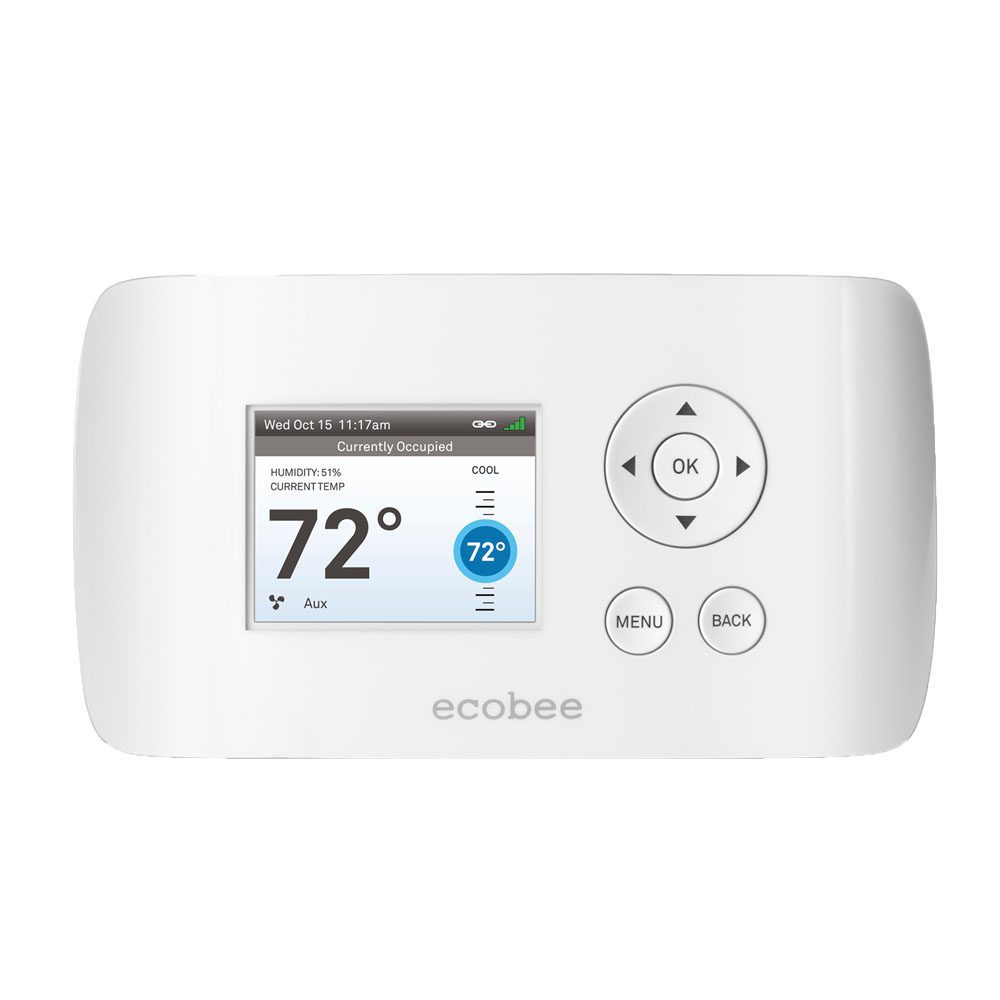
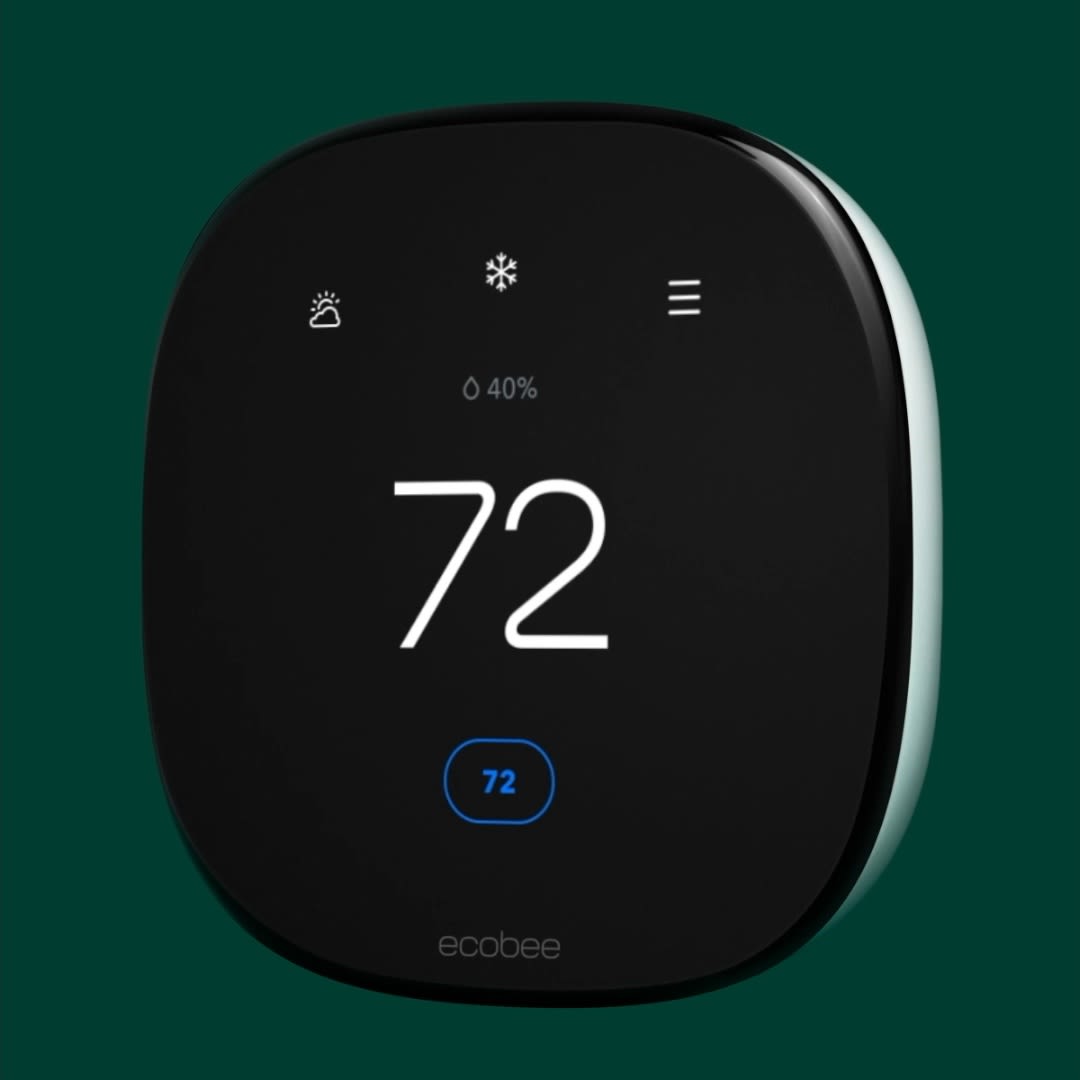
The Ecobee thermostat has a bright, responsive touchscreen. The main screen shows the current temperature and settings. Tap icons to change modes, adjust temperature, or check weather. Swipe through menus to find schedules or system settings. The screen also displays alerts and reminders. It’s easy to navigate with simple taps and swipes.
Using The Ecobee App
The Ecobee app puts control in your hand, anytime, anywhere. Download it on your smartphone or tablet. Open the app to see your thermostat’s status. Adjust temperature or modes remotely with a few taps. You can create schedules that fit your daily routine. The app also sends notifications about energy use or maintenance. This keeps your home comfortable and efficient.
Voice Control Features
Ecobee supports popular voice assistants like Alexa and Google Assistant. Speak commands to change temperature or check settings. For example, say “Set temperature to 72 degrees.” Use voice control for hands-free convenience. It works well in busy or hands-full moments. Your thermostat listens and responds quickly. Voice commands make managing your comfort simple.
Customizing Temperature Settings
Customizing temperature settings on your Ecobee thermostat helps save energy and stay comfortable. The thermostat adjusts heating and cooling based on your needs. You can change settings easily to fit your daily routine. This section explains how to personalize your Ecobee for better comfort and efficiency.
Creating Schedules
Set specific temperatures for different times of the day. Ecobee lets you create schedules for weekdays and weekends. Choose the temperature for morning, afternoon, evening, and night. This way, your home stays cozy when you need it. It also reduces energy use when you are away or asleep.
Adjusting Comfort Settings
Comfort settings let you fine-tune the temperature for your home. You can select modes like Home, Away, or Sleep. Each mode has its own temperature range. Adjust these to match your comfort level. The thermostat remembers your choices and applies them automatically.
Using Smart Home/away
Smart Home/Away uses sensors to detect if anyone is home. It changes the temperature to save energy when the house is empty. The thermostat learns your habits over time. This feature ensures comfort when you return and saves money when you leave.
Credit: www.ecobee.com
Energy Saving Tips
Saving energy with your Ecobee thermostat is easier than you think. Small changes in how you use it can lower your bills and help the environment. Focus on smart settings and regular checks to get the best results.
Leveraging Eco+ Features
Eco+ is a set of smart tools in your Ecobee. It adjusts temperature based on weather and your schedule. This helps reduce energy use without losing comfort. Turn on Eco+ to let your thermostat work smarter. It can also reduce cooling or heating when no one is home.
Optimizing Hvac Usage
Set your thermostat to use less energy during peak hours. Raise the temperature in summer and lower it in winter when you are away. Avoid making big temperature changes quickly. This keeps your HVAC running efficiently and saves energy. Regularly clean or replace your HVAC filters for better performance.
Check Best Thermostat Pricing in Amazon
** As an Amazon Associate, I earn from qualifying purchases.
Monitoring Energy Reports
Ecobee provides energy reports that show your usage patterns. Check these reports weekly to find high energy times. Use this information to adjust your settings. Tracking your energy helps you make smarter choices. It also shows how small changes can add up to big savings.
Troubleshooting Common Issues
Troubleshooting common issues with your Ecobee thermostat can save time and frustration. Many problems have simple fixes you can try at home. This section covers common issues and easy solutions.
Connectivity Problems
Ecobee thermostats need a strong Wi-Fi connection to work well. Check your router and make sure the thermostat is near it. Restart your router and thermostat to refresh the connection. If the problem continues, try forgetting the network on the thermostat and reconnecting.
Sensor Calibration
Incorrect temperature readings can cause discomfort. Ecobee sensors may need recalibration for accuracy. Remove the sensor from its location and wait a few minutes. Place it back in a spot away from direct sunlight or drafts. This helps the sensor adjust and provide better readings.
Resetting The Thermostat
Sometimes, a reset can fix many issues quickly. To reset, go to the main menu on your Ecobee screen. Find the “Reset” option and select it. Choose either a soft reset or a factory reset based on your needs. Remember, a factory reset deletes all settings, so use it as a last resort.
Integrations And Smart Home Compatibility
Ecobee thermostats fit well with many smart home systems. They work smoothly with voice assistants and automation tools. This lets you control your home’s temperature easily. The smart integrations make your life simpler and more comfortable.
Connecting Ecobee with other smart devices helps save energy. It also creates a more responsive home environment. Below are key ways to connect and use your Ecobee thermostat with popular smart home platforms.
Connecting With Alexa And Google Assistant
Ecobee works directly with Alexa and Google Assistant. You can use voice commands to adjust the temperature. Say “Alexa, set the thermostat to 72 degrees” or “Hey Google, increase the temperature.” The device listens and responds quickly.
Setting up is easy through the Ecobee app. Link your smart speaker to the thermostat. Once connected, you can control temperature hands-free. This helps keep your home comfortable without using your phone.
Linking With Apple Homekit
Ecobee also supports Apple HomeKit. This allows you to control the thermostat using the Apple Home app. You can use Siri voice commands on your iPhone or iPad. For example, say “Hey Siri, set the thermostat to 70 degrees.”
The HomeKit integration lets you include Ecobee in your automation routines. It can work with other Apple smart devices. This creates a seamless smart home experience on your Apple ecosystem.
Using Ifttt For Automation
IFTTT (If This Then That) connects Ecobee with many apps and devices. This helps automate actions based on conditions. For example, turn off the thermostat when you leave home. Or lower the temperature when the weather changes.
To start, create an IFTTT account and link your Ecobee thermostat. Choose or create applets that fit your needs. This adds more smart features without extra hardware. Automation makes your home more energy efficient and easy to manage.

Credit: www.youtube.com
Frequently Asked Questions
How Do I Set Up My Ecobee Thermostat?
To set up your Ecobee thermostat, follow the on-screen instructions after powering it on. Connect to Wi-Fi, enter your location, and configure your heating and cooling preferences for optimal performance.
Can Ecobee Thermostat Control Multiple Zones?
Yes, Ecobee supports multiple zones with additional sensors. It optimizes comfort by adjusting temperatures in different rooms based on occupancy and preferences.
How Do I Use Ecobee’s Smart Scheduling Feature?
Ecobee learns your schedule by tracking your routines and occupancy. It automatically adjusts temperatures to save energy while maintaining comfort throughout the day.
Is Ecobee Thermostat Compatible With Smart Home Devices?
Ecobee integrates with Alexa, Apple HomeKit, Google Assistant, and more. This allows voice control and seamless smart home automation for temperature management.
Conclusion
Using the Ecobee thermostat helps save energy and money. It keeps your home comfortable all year. You can control it easily from your phone or voice assistant. Setting schedules fits your daily routine well. Sensors adjust temperature room by room.
This smart device learns your preferences over time. It offers clear information on energy use. Simple steps make installation quick and stress-free. Enjoy better control of your home’s heating and cooling. A small change that makes a big difference.
Check Best Thermostat Pricing in Amazon
** As an Amazon Associate, I earn from qualifying purchases.