
Check Best Thermostat Pricing in Amazon
** As an Amazon Associate, I earn from qualifying purchases.
Is your thermostat acting up, leaving your home too hot or too cold? Knowing how to check your thermostat can save you time, money, and frustration.
You might think it’s complicated, but it’s easier than you expect. You’ll learn simple steps to test your thermostat and make sure it’s working just right. Keep reading—you’ll discover quick tips that can improve your comfort and help avoid costly repairs.
Types Of Thermostats
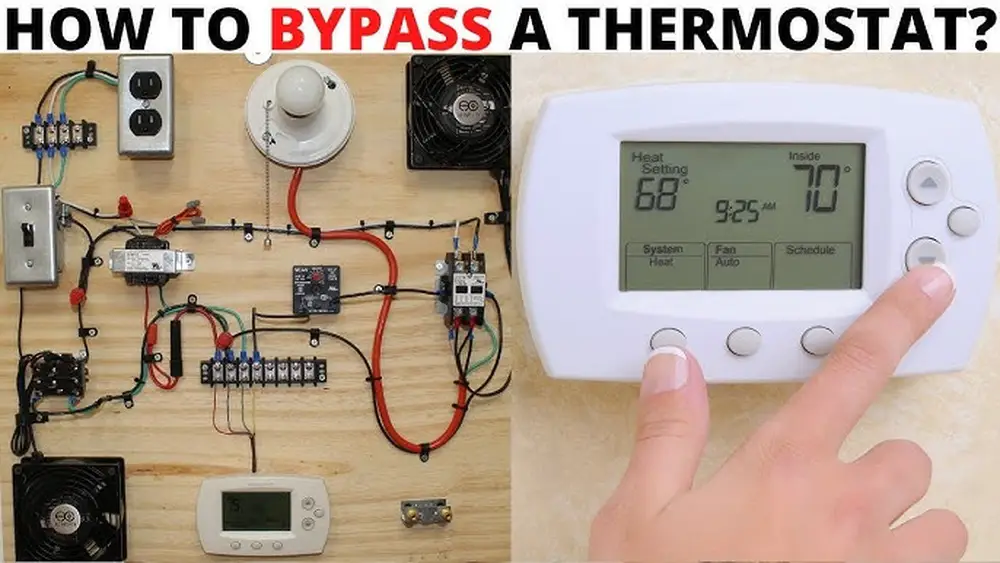
Thermostats control the temperature in your home. They help keep your space warm or cool. Different types of thermostats offer different features. Knowing these types helps you check and use your thermostat better.
Manual Thermostats
Manual thermostats are simple and easy to use. You adjust the temperature by turning a dial or moving a lever. They do not change settings automatically. You must adjust them every time you want a different temperature.
Programmable Thermostats
Programmable thermostats allow you to set a schedule. You can program different temperatures for day and night. This saves energy by adjusting heat or cooling when you are away. They help keep your home comfortable without manual changes all the time.
Smart Thermostats
Smart thermostats connect to your phone or Wi-Fi. You control them with an app from anywhere. They learn your habits and adjust automatically. Some models show energy use and offer tips to save power. Smart thermostats add convenience and help reduce bills.
Credit: www.idolz.com
Tools You’ll Need
Checking your thermostat is easier with the right tools. Having these tools ready saves time and helps you avoid mistakes. They also make the process safer and more efficient.
Basic Tools
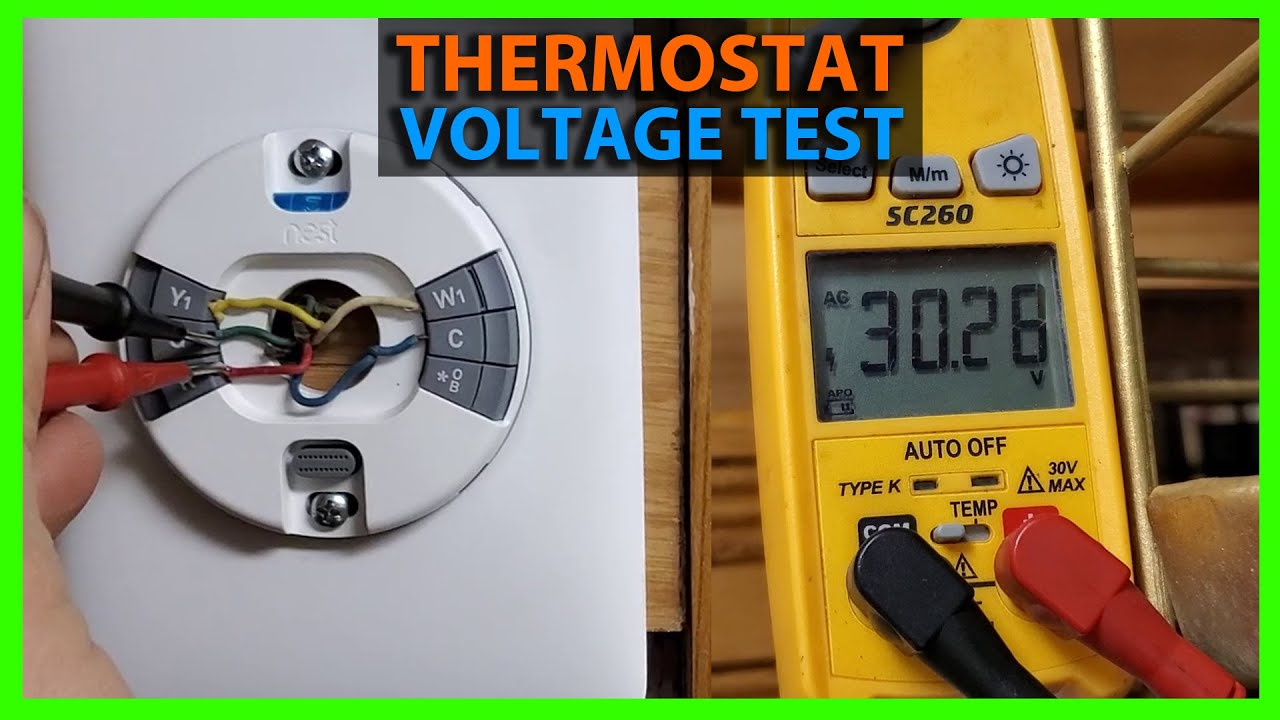
A screwdriver is essential for opening the thermostat cover. You will need a multimeter to test voltage and connections. A small flashlight helps you see inside dark spaces. Keep a clean cloth nearby to wipe dust or dirt. A notepad and pen are useful for recording settings or readings.
Safety Precautions
Turn off the power at the circuit breaker before starting. Use insulated tools to reduce electric shock risk. Avoid touching wires directly with your hands. Wear safety glasses to protect your eyes from dust or debris. Make sure your hands are dry and your work area is clear of hazards.
Checking Thermostat Settings
Checking your thermostat settings helps keep your home comfortable. It ensures your heating and cooling work as needed. A quick check can save energy and avoid costly repairs.
Verifying Temperature Display
Look at the thermostat screen. Check if the temperature shows clearly. The number should match your room’s current temperature. If it looks wrong or blank, your thermostat may need new batteries or a reset.
Adjusting Temperature Settings
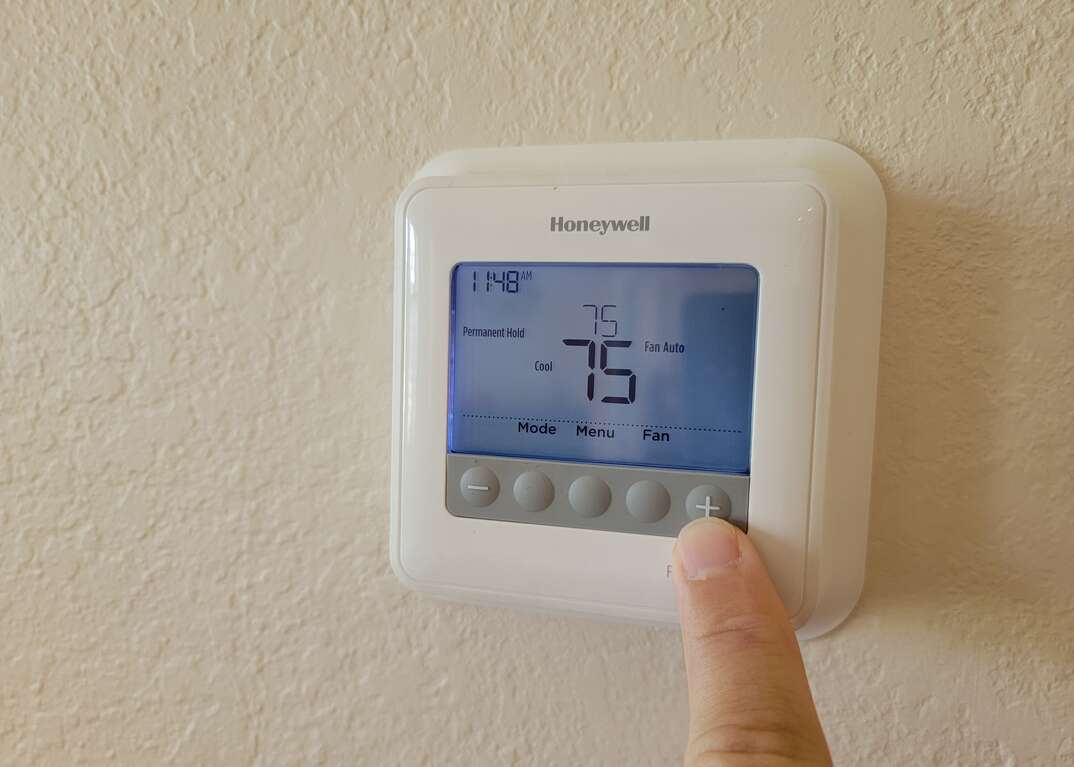
Use the buttons or touch screen to change the temperature. Set it a few degrees higher or lower to test. This helps confirm the thermostat reacts correctly. Make small changes and watch the display update.
Testing Heating And Cooling Modes
Switch your thermostat between heating and cooling modes. Each mode should turn on the correct system. You might hear your furnace or air conditioner start up. This confirms your thermostat controls both properly.
Calibrating Your Thermostat
Calibrating your thermostat ensures it reads and controls the temperature accurately. A well-calibrated thermostat keeps your home comfortable and saves energy. Checking calibration helps avoid heating or cooling errors.
Identifying Calibration Issues
Check if your room feels too hot or too cold compared to the thermostat setting. Notice if the HVAC system runs longer than usual or not enough. Use a separate thermometer to compare the actual room temperature. A difference of more than 2 degrees means calibration is needed.
Steps To Calibrate Manual Thermostats
Remove the thermostat cover carefully. Find the small calibration screw or dial inside. Use a screwdriver to adjust the screw slightly. Turn it until the thermostat temperature matches the thermometer reading. Replace the cover and test the system. Repeat adjustments if the temperature still feels off.
Calibrating Digital Thermostats
Access the thermostat settings menu. Look for a calibration or temperature offset option. Enter the difference found with your thermometer. Save the new setting. Some models need a reset after calibration. Check the user manual for specific instructions. Monitor the temperature to confirm accuracy after changes.
Check Best Thermostat Pricing in Amazon
** As an Amazon Associate, I earn from qualifying purchases.
Troubleshooting Common Problems
Troubleshooting common thermostat problems helps keep your home comfortable. Simple checks can fix many issues without calling a technician. Understanding these problems saves time and money. Let’s explore frequent thermostat troubles and how to solve them.
Thermostat Not Responding
Sometimes, the thermostat screen stays blank or does not react. Check if the thermostat has power. Replace batteries if needed. Ensure the circuit breaker is on. Reset the thermostat by turning it off and on again. Loose wiring can cause no response. Tighten any loose wires carefully.
Inaccurate Temperature Readings
Your thermostat may show wrong temperatures. Dust or dirt on sensors can affect readings. Clean the thermostat gently with a soft cloth. Avoid placing the thermostat near heat sources or direct sunlight. This can cause false readings. Calibrate the thermostat if possible to improve accuracy.
System Not Turning On Or Off
The heating or cooling system may ignore thermostat commands. Check if the system power is on. Inspect the thermostat settings for proper mode (heat, cool, or auto). Dirty air filters or blocked vents can cause system failure. Replace filters and clear vents. Call a professional if the system still does not work.
Credit: www.youtube.com
Maintaining Your Thermostat
Maintaining your thermostat helps keep your heating and cooling system efficient. A well-kept thermostat ensures accurate temperature control and saves energy. Regular care avoids unexpected breakdowns and costly repairs.
Simple tasks like cleaning, changing batteries, and updating software improve performance. These steps extend the life of your thermostat and make your home comfortable all year.
Cleaning Tips
Dust and dirt can build up on your thermostat’s surface. Use a soft cloth or a small brush to clean it gently. Avoid using water or cleaning sprays directly on the device. Clean at least once every few months to keep sensors working well.
Battery Replacement
Many thermostats run on batteries that need regular changing. Check battery status every six months or when the display dims. Use fresh batteries to avoid power loss. Remove old batteries carefully and dispose of them properly.
Software Updates For Smart Thermostats
Smart thermostats need software updates to fix bugs and add features. Check the manufacturer’s app or website for update alerts. Install updates as soon as possible to keep your device secure. Updates also improve energy efficiency and overall function.
Credit: www.homeserve.com
Frequently Asked Questions
How Do I Know If My Thermostat Is Working?
Check if your thermostat displays the current temperature. Adjust the temperature settings and listen for HVAC system response. If no change occurs, the thermostat may need new batteries or professional inspection.
Where Is The Best Place To Check My Thermostat?
Locate your thermostat on an interior wall away from direct sunlight and drafts. Avoid placing it near windows, doors, or heating vents to ensure accurate temperature readings.
How Often Should I Check My Thermostat Settings?
Review thermostat settings monthly, especially during seasonal changes. Regular checks help maintain comfort and energy efficiency by ensuring the system operates correctly.
Can I Test My Thermostat Myself?
Yes, you can test by raising or lowering the set temperature. Listen for the HVAC system turning on or off to confirm functionality. For complex issues, seek professional help.
Conclusion
Checking your thermostat helps keep your home comfortable. Regular checks save energy and lower bills. Make sure the settings match your needs. Clean the thermostat gently to avoid issues. Replace batteries when the display looks dim. Simple steps can prevent bigger problems later.
Stay aware of how your thermostat works. This small effort keeps your heating and cooling running well. Take a moment today to check it. Your home will thank you with steady warmth or coolness.
Check Best Thermostat Pricing in Amazon
** As an Amazon Associate, I earn from qualifying purchases.