
Check Best Thermostat Pricing in Amazon
** As an Amazon Associate, I earn from qualifying purchases.
Is your thermostat refusing to turn on when you need it most? You’re not alone, and this problem can be more frustrating than you might think.
When your thermostat won’t start, it can leave your home uncomfortable and your mind racing with questions. But don’t worry—understanding why this happens and how to fix it is easier than you expect. Keep reading, and you’ll discover simple reasons and quick solutions that can get your thermostat back up and running in no time.
Your comfort is just a few steps away.
Common Reasons Thermostat Fails
Thermostats control your home’s heating and cooling. When they fail, comfort disappears. Knowing common causes helps fix problems fast. This section explains typical reasons a thermostat won’t turn on. Understanding these issues saves time and money.
Power Supply Issues
Thermostats need power to work. A tripped circuit breaker can cut power. Sometimes, a blown fuse stops the current. Check your home’s electrical panel for problems. Also, some thermostats use a common wire for power. Missing or loose wires can cause failure.
Battery Problems
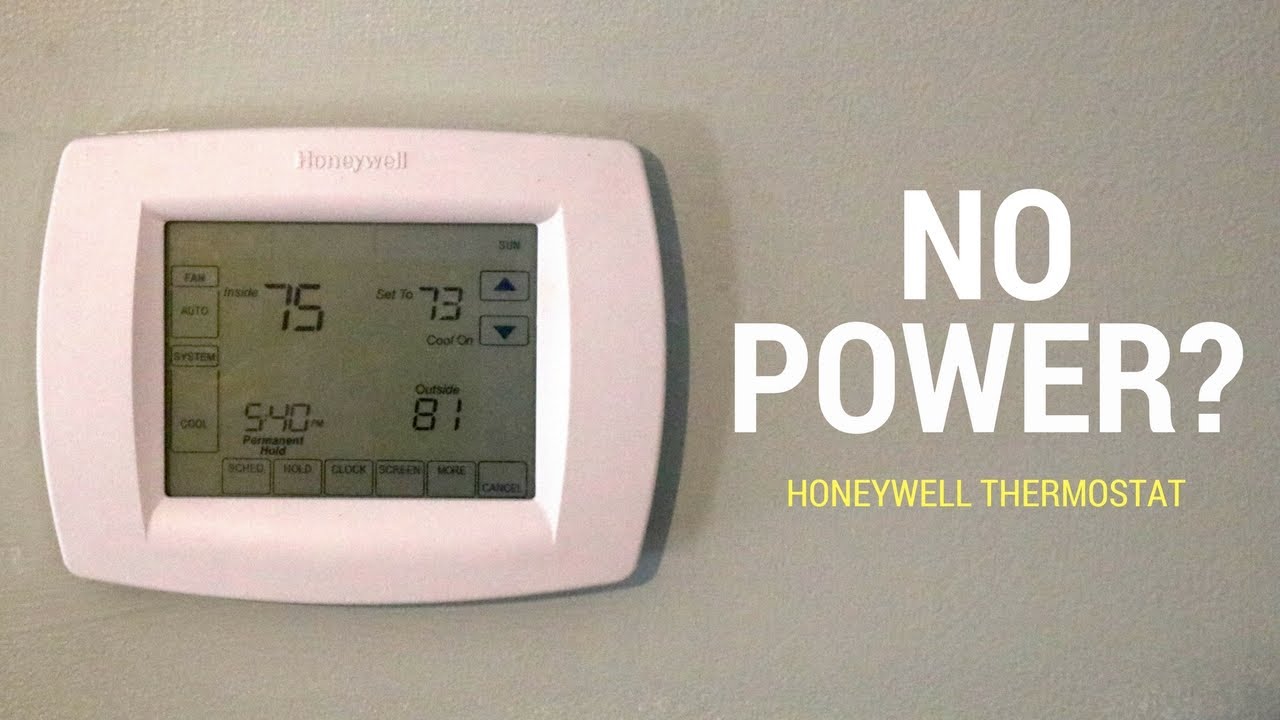
Many thermostats use batteries for backup power. Dead or weak batteries cause the device to shut off. Replace batteries every year to keep the thermostat running. Low battery warnings often appear on the screen. Never ignore these alerts.
Wiring And Connection Faults
Thermostats connect to the heating and cooling system with wires. Loose or damaged wires disrupt signals. This stops the thermostat from turning on the system. Check wires for corrosion or breaks. Tighten any loose connections carefully.
Display Malfunctions
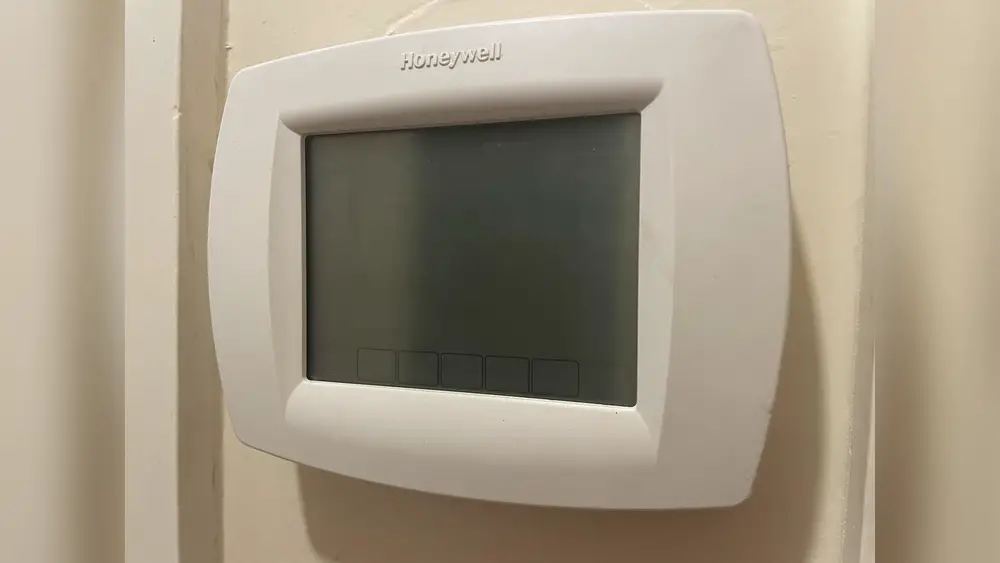
The thermostat screen shows settings and temperature. A blank or flickering display means trouble. Screen issues often happen due to power problems. Sometimes, internal components fail. Replacing the thermostat may be necessary if the display stays dark.
Simple Steps To Restore Power
Sometimes, a thermostat won’t turn on because it has lost power. This can happen for many simple reasons. Before calling a technician, try these easy steps to bring your thermostat back to life. They often fix the problem quickly and save you time.
Check Circuit Breaker
Locate your home’s circuit breaker panel. Find the breaker labeled for your heating or cooling system. Make sure it is in the “On” position. If it has tripped, switch it off and then back on. This can restore power to your thermostat instantly.
Replace Thermostat Batteries
Some thermostats run on batteries. Look at your thermostat’s display. If it is blank or dim, the batteries might be dead. Open the battery compartment and replace old batteries with new ones. Use fresh, high-quality batteries for best results.
Reset The Thermostat
Resetting your thermostat can solve many power issues. Find the reset button or remove the thermostat from its base. Wait about 30 seconds before reconnecting it. This clears any temporary errors and restarts the system.
Inspecting Wiring And Installation
Checking the wiring and installation is key when your thermostat won’t turn on. Faulty wiring or poor installation can stop power from reaching the device. Simple errors during setup can cause the whole system to fail.
Careful inspection can reveal common problems. These include loose wires, wrong connections, or damaged cables. Fixing these issues can restore your thermostat’s function quickly and safely.
Look For Loose Connections
Loose connections often cause power loss to the thermostat. Wires might come undone from terminals over time. Gently push or tighten any loose wires. Use a screwdriver to secure screws holding the wires. Avoid pulling on wires hard to prevent damage.
Verify Correct Wiring
Incorrect wiring stops the thermostat from working. Check the thermostat manual for wiring guides. Match each wire color to the right terminal. A wrong wire in the wrong place can block power or cause errors. Use a voltage tester to confirm power flow if possible.
Assess Professional Help Need
Wiring can be tricky and dangerous. If unsure about handling wires, call an expert. Professional electricians can diagnose and fix wiring safely. They have tools and knowledge to avoid hazards. Getting help prevents damage and keeps you safe.
Credit: www.youtube.com
Thermostat Settings And Compatibility
Thermostat settings and compatibility play a big role in why your thermostat might not turn on. Checking these areas can quickly solve many common problems.
Sometimes, the thermostat works fine but the settings are off. Compatibility issues with your heating or cooling system also stop it from working.
Check Best Thermostat Pricing in Amazon
** As an Amazon Associate, I earn from qualifying purchases.
Confirm Proper Mode Selection
Make sure your thermostat is set to the right mode. For heating, choose “Heat.” For cooling, select “Cool.” If it’s on “Off” or “Fan,” it won’t activate the system. Some thermostats also have an “Auto” mode that runs the system only when needed.
Double-check the mode after power outages or battery changes. The thermostat might reset to a default setting that stops it from working.
Adjust Temperature Settings
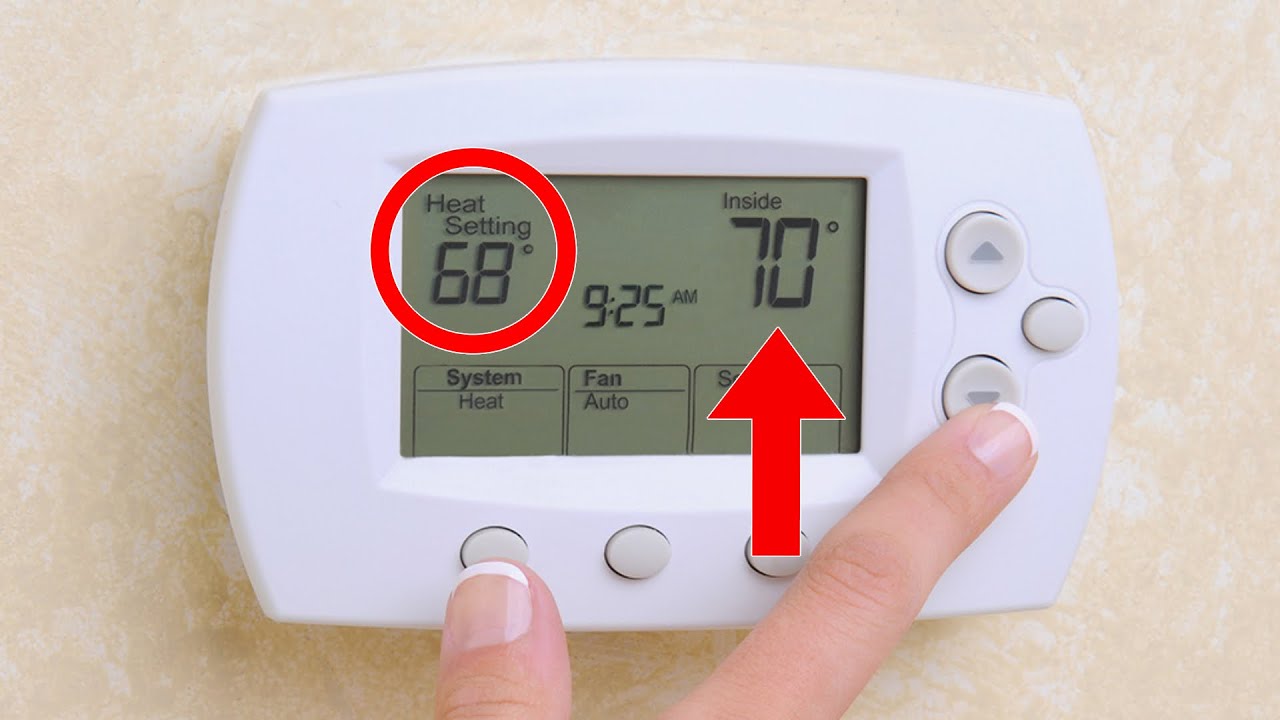
Set the temperature higher than the current room temperature for heating. For cooling, set it lower than the room temperature. If the temperature is too close to the room’s, the system may not turn on. Thermostats only activate when the set temperature is different enough to need heating or cooling.
Try changing the temperature by several degrees to see if the system starts. This small step can fix many issues.
Check System Compatibility
Not all thermostats work with every heating or cooling system. Older systems may need special thermostats. Some modern thermostats require a common wire (C-wire) for power. Without it, they may fail to turn on or work properly.
Look at your system’s manual and thermostat guide. Confirm they match. If unsure, call a professional to check compatibility. Using the right thermostat ensures smooth operation and avoids frustration.
When To Call A Technician
Knowing when to call a technician can save time and prevent damage. Some thermostat problems need expert help. Trying to fix complex issues alone can be risky.
Signs Of Complex Electrical Issues
Thermostat not turning on might mean wiring problems. Flickering display or sparks are warning signs. Circuit breakers that trip often suggest electrical faults. These issues require a professional to diagnose and fix safely.
Persistent Thermostat Failures
Thermostat that stops working repeatedly signals deeper problems. Resetting the device often does not help. Constant failures can damage your heating or cooling system. A technician can find the root cause and fix it correctly.
Safety Precautions
Working with electricity is dangerous without training. Avoid touching wires or opening panels if unsure. Turn off power before checking the thermostat. Calling a technician ensures the job is done safely. Protect yourself and your home from hazards.
Credit: www.youtube.com
Credit: www.reddit.com
Frequently Asked Questions
Why Won’t My Thermostat Power On?
Check if the thermostat is properly connected to power. Replace batteries if needed. Ensure circuit breakers are not tripped.
How To Fix A Thermostat Not Turning On?
Start by inspecting the power source and wiring. Reset the thermostat and replace batteries. Call a professional if issues persist.
Can A Faulty Thermostat Cause Heating Issues?
Yes, a malfunctioning thermostat can prevent heating systems from activating. It may misread temperatures or fail to send signals.
Is Thermostat Wiring A Common Problem?
Yes, loose or damaged wiring often causes thermostat failure. Check connections and replace damaged wires for proper function.
Conclusion
A thermostat that won’t turn on can cause many problems at home. Check the power source and batteries first. Make sure the settings are correct and the device is clean. Sometimes, a simple reset fixes the issue. If the problem stays, calling a professional is a smart step.
Don’t ignore small signs; they can save you money later. Keeping your thermostat working well keeps your home comfortable all year. Stay patient and take one step at a time.
Check Best Thermostat Pricing in Amazon
** As an Amazon Associate, I earn from qualifying purchases.




