
Check Best Thermostat Pricing in Amazon
** As an Amazon Associate, I earn from qualifying purchases.
Is your Nest thermostat not cooling your home like it should? You rely on it to keep things comfortable, especially when the heat turns up.
When it stops working properly, it can be frustrating and uncomfortable. But don’t worry—you’re not alone, and the problem might be easier to fix than you think. You’ll discover the most common reasons why your Nest thermostat isn’t cooling and simple steps you can take to get it back to keeping your home just right.
Keep reading to find the solution and regain control over your comfort today.

Credit: diy.stackexchange.com
Common Cooling Issues
Many Nest Thermostat users face cooling problems. These issues stop the device from lowering room temperature. Understanding common causes helps fix the problem quickly. Here are key cooling issues to check.
Thermostat Settings Check
Start by checking the thermostat settings. Make sure the mode is set to “Cool.” The temperature should be lower than the current room temperature. If set to “Heat” or “Off,” the cooling will not work. Also, check the schedule to see if the cooling is programmed correctly.
Power Supply Problems
Power issues can stop the Nest Thermostat from cooling. Check if the device screen is on. If not, the thermostat may have no power. Inspect the circuit breaker and fuse box for any tripped switches. Ensure the HVAC system is receiving power as well.
Wi-fi Connectivity Errors
Wi-Fi problems affect remote control of the thermostat. A weak or lost connection can cause delays in adjusting settings. Verify the thermostat is connected to your Wi-Fi network. Restart your router and the thermostat to fix connection errors.
Air Conditioning System Problems
Your Nest thermostat may not cool properly due to issues in the air conditioning system. These problems stop cool air from reaching your home. Understanding common faults can help you fix the issue faster.
Many cooling problems come from parts of the AC system working poorly. Checking these parts often solves the problem without extra costs.
Clogged Air Filters
Dirty or blocked air filters reduce airflow. This makes your AC work harder and cool less. Change or clean filters every 1-3 months for best results. Clean filters keep air fresh and improve cooling.
Refrigerant Levels
Refrigerant absorbs heat and cools your home. Low refrigerant means less cooling power. Leaks or slow leaks lower refrigerant levels. A professional can check and refill refrigerant safely.
Compressor Issues
The compressor pumps refrigerant through the system. If it fails, cooling stops. Signs include loud noises or no cool air. Compressor repairs need expert attention. Regular maintenance helps keep it working well.
Thermostat Calibration And Firmware
Thermostat calibration and firmware play a key role in your Nest thermostat’s cooling function. Calibration ensures the thermostat reads the correct temperature. Firmware controls how the device operates and communicates with your HVAC system. Problems in either area can stop your Nest thermostat from cooling properly.
Calibration Errors
Calibration errors happen when the thermostat’s temperature sensor is off. The device might think the room is cooler or warmer than it really is. This causes the cooling system to turn off too soon or not start at all. Small temperature differences can cause big problems for your comfort. Checking and recalibrating your thermostat can fix these errors.
Firmware Updates
Firmware updates improve your Nest thermostat’s performance and fix bugs. Old firmware may cause the cooling function to fail or act strangely. Updates can fix glitches that stop the air conditioner from working. Make sure your thermostat has the latest firmware installed. Updating keeps your system running smoothly and cools your home efficiently.
Wiring And Installation Troubles
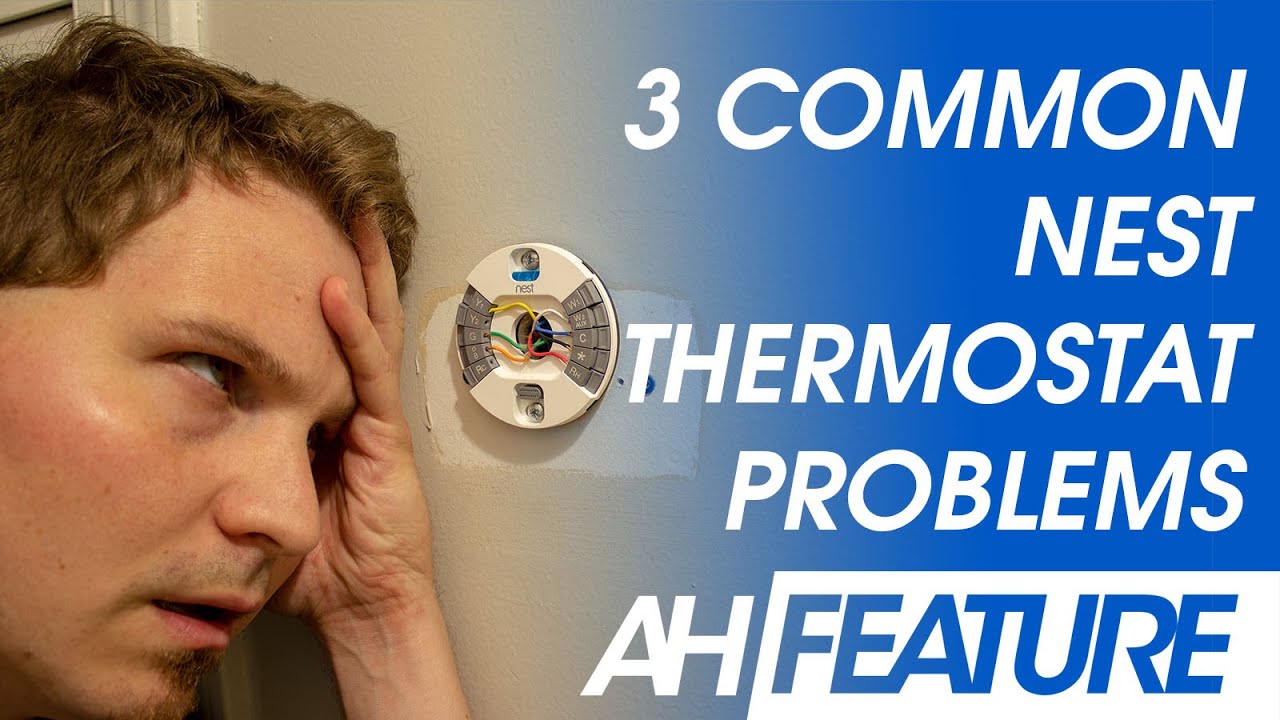
Wiring and installation problems often cause Nest thermostats to stop cooling. These issues affect how the thermostat talks to your HVAC system. Even small wiring faults can block signals and stop cooling. Proper installation is key for smooth operation.
Many people miss small wiring mistakes during setup. These errors cause the system to fail or behave oddly. Checking wiring and installation can solve many cooling problems quickly. Let’s explore common wiring and installation troubles.
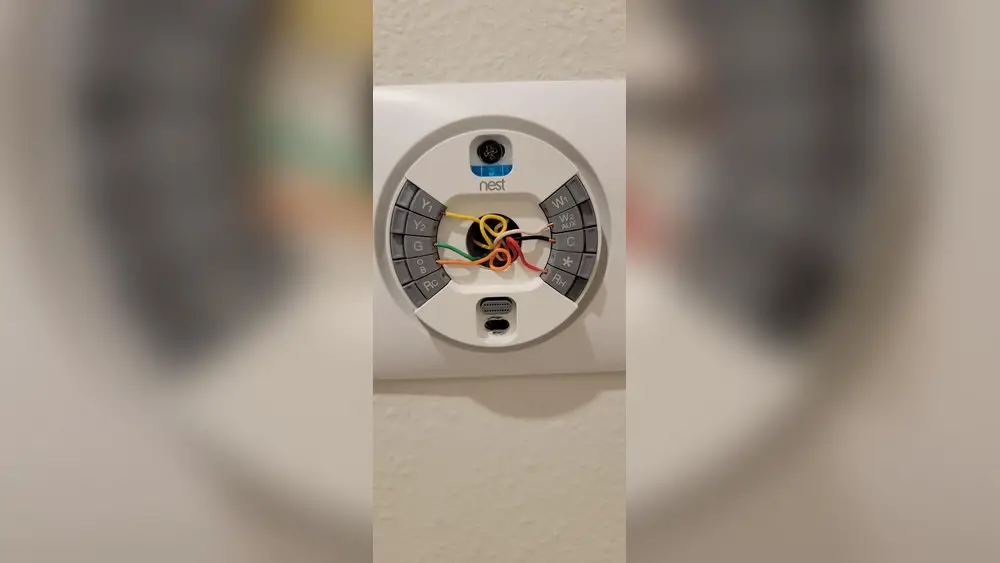
Loose Or Damaged Wires
Loose wires can cut off power to the Nest thermostat. This stops it from sending commands to your cooling system. Damaged wires may short or break signals. This leads to no cooling or erratic behavior.
Look for wires that are loose in terminals. Check for frayed or broken wires. Tighten connections and replace damaged wires. This often restores proper cooling function.
Check Best Thermostat Pricing in Amazon
** As an Amazon Associate, I earn from qualifying purchases.
Incorrect Installation
Incorrect installation can cause your Nest thermostat to fail cooling. Wrong wire placement confuses the HVAC system. The thermostat sends wrong signals or no signals at all.
Follow the Nest wiring guide carefully. Match each wire to the correct terminal. Avoid mixing wires from different systems. Correct installation ensures your Nest cools as expected.
Troubleshooting Steps
When your Nest thermostat stops cooling, start with basic troubleshooting. These steps can fix many common problems quickly. Follow each step carefully to check if the issue resolves.
Restarting The Thermostat
Restarting your Nest thermostat clears small software glitches. Press the thermostat ring and hold it for about 10 seconds. The screen will turn off and then back on. This simple step often restores normal cooling functions.
Resetting To Factory Settings
Resetting the thermostat erases all settings and returns it to its original state. Go to Settings, select Reset, then choose Factory Reset. Use this step only if restarting did not help. Remember, you must set up your thermostat again after this.
Contacting Support
If the problem stays, contact Nest support. They can guide you through advanced fixes. Keep your model and purchase details ready. Support helps with issues beyond basic troubleshooting steps.

Credit: www.reddit.com
Preventive Maintenance Tips
Preventive maintenance helps your Nest Thermostat and cooling system work well. It stops small problems from becoming big issues. Simple steps keep the system running smoothly. Regular care saves money and extends the system’s life.
Regular Filter Replacement
Change your air filter every 1 to 3 months. A dirty filter blocks airflow. This makes the system work harder and cool less. Clean filters improve air quality and system efficiency. Check the filter often and replace it on time.
Scheduled System Inspections
Have a professional check your cooling system yearly. They find hidden problems early. Inspections include checking refrigerant levels and cleaning coils. Well-maintained parts run better and last longer. Schedule visits before the hot season starts.
Keeping Software Updated
Keep your Nest Thermostat software up to date. Updates fix bugs and improve performance. New features may help save energy. Connect your device to Wi-Fi to get updates automatically. Check settings for the latest version regularly.
Credit: www.youtube.com
Frequently Asked Questions
Why Is My Nest Thermostat Not Cooling Properly?
Your Nest thermostat may not cool due to incorrect settings, dirty filters, or HVAC issues. Check cooling mode, set temperature lower than room temperature, and inspect your air filter. If problems persist, your AC unit or thermostat wiring might need professional service.
How To Reset Nest Thermostat Cooling Function?
To reset cooling, press the thermostat ring and go to Settings > Reset > Equipment. Choose “Reset Cooling. ” This clears minor glitches and restores default cooling settings. If cooling still fails, check the system or contact support for advanced troubleshooting.
Can Low Battery Affect Nest Thermostat Cooling?
Yes, a low battery can disrupt the Nest thermostat’s operation, including cooling. The thermostat may lose power or malfunction. Ensure it’s properly charged or connected to the HVAC system’s power. Replace batteries or check wiring if cooling issues continue.
Does Nest Thermostat Need Wi-fi To Cool?
No, Nest thermostat does not require Wi-Fi to cool. It controls your HVAC system locally. However, Wi-Fi enables remote control and updates. Lack of Wi-Fi won’t stop cooling but limits smart features and remote access.
Conclusion
A Nest thermostat not cooling can feel frustrating. Check the power and settings first. Make sure the cooling mode is on. Clean or replace air filters often. Look for wiring or connection issues. Sometimes, a simple restart helps. If problems stay, contact a professional.
Keeping your thermostat in good shape saves energy and money. Small fixes can restore cool comfort fast. Don’t ignore signs of trouble. Your home deserves a working cooling system.
Check Best Thermostat Pricing in Amazon
** As an Amazon Associate, I earn from qualifying purchases.




