
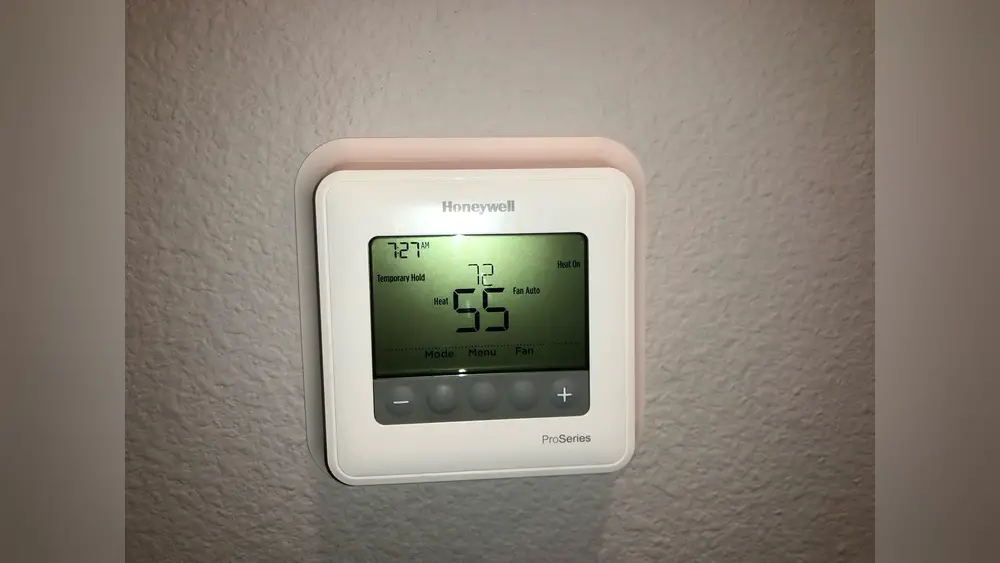
Check Best Thermostat Pricing in Amazon
** As an Amazon Associate, I earn from qualifying purchases.
Is your Honeywell thermostat screen suddenly blank? It can be frustrating when you rely on it to keep your home comfortable, only to find it unresponsive.
You might wonder if it’s broken, if there’s a power issue, or if something else is wrong. Don’t worry—this is a common problem, and you’re not alone. You’ll discover the main reasons why your Honeywell thermostat goes blank and simple steps you can take to fix it.
Keep reading to get your thermostat back up and running quickly.
Common Causes For A Blank Screen
A blank screen on your Honeywell thermostat can be frustrating. It stops you from controlling your home’s temperature. Several common issues may cause this problem. Knowing these helps you fix it quickly or decide to call a technician.
Power Supply Issues
Your thermostat needs a steady power source to work. A power outage or tripped circuit breaker can cut power. Check your home’s electrical panel for any switches that flipped off. Sometimes, the thermostat’s power adapter may fail. Replacing the adapter might restore the display.
Battery Problems
Many Honeywell thermostats use batteries to keep the screen on. Dead or weak batteries cause the screen to go blank. Open the battery compartment and check the batteries. Replace old batteries with fresh ones. Clean the contacts inside the compartment to ensure good connection.
Wiring Faults
Loose or damaged wires disrupt the thermostat’s operation. Wires can come loose over time or during installation. Inspect the wiring behind the thermostat carefully. Look for any frayed or disconnected wires. Tighten any loose connections to restore power and function.

Credit: www.reddit.com
Simple Fixes To Restore Power
Simple fixes can often solve the problem of a blank Honeywell thermostat. These steps help restore power quickly. They do not require special tools or skills. A few checks can bring your thermostat back to life. Follow these easy actions to get started.
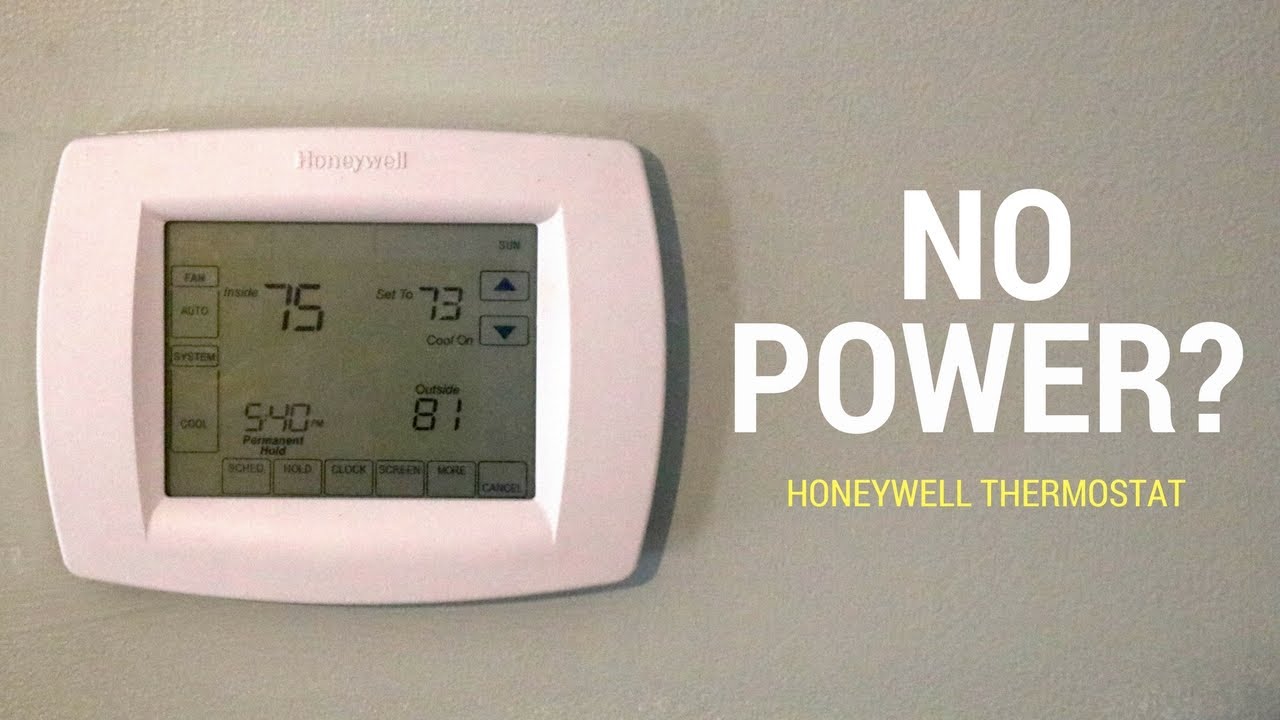
Checking The Circuit Breaker
Start by inspecting your home’s circuit breaker. A tripped breaker can cut power to the thermostat. Find the breaker box and look for switches that are off. Flip any off switches back to the “on” position. This might restore power to your thermostat right away.
Replacing Batteries
Many Honeywell thermostats use batteries for power. Dead batteries cause the screen to go blank. Open the thermostat cover to locate the battery compartment. Remove old batteries and insert fresh ones. Use the correct battery type to ensure proper function. This simple step often solves the power issue.
Resetting The Thermostat
Resetting your thermostat can clear minor errors. Locate the reset button or option in the menu. Press and hold the reset button for a few seconds. The thermostat will restart and may show the display again. This step can fix temporary glitches that cause the blank screen.
Inspecting Thermostat Wiring
One common reason for a blank Honeywell thermostat is wiring issues. Faulty wiring can stop your thermostat from working properly. Checking the wiring helps find loose or misplaced wires. This step is simple and can save time and money.
Before you start, turn off the power to your HVAC system. This prevents shocks or damage while inspecting the wires.
Identifying Loose Connections
Loose wires often cause the thermostat to lose power. Look behind the thermostat cover for any wires not fully in place. Gently press on each wire to make sure it is secure. If a wire feels loose, push it back into the terminal. Loose connections can stop the thermostat from turning on.
Ensuring Proper Wire Placement
Each wire connects to a specific terminal. Check the Honeywell manual or the labels on the terminals. Make sure every wire matches its correct terminal. Incorrect wire placement can cause the screen to stay blank. Double-check the colors and letters on the wires and terminals.
When To Call A Professional
Wiring can be tricky for beginners. If wires look damaged or tangled, stop and get help. A professional HVAC technician can fix complex wiring safely. Avoid risking damage to your system or injury. Calling a professional saves time and ensures the thermostat works correctly.
Credit: www.youtube.com
Using The Thermostat’s Reset Functions
Using the thermostat’s reset functions can solve many common issues. A blank Honeywell thermostat screen might be due to minor glitches. Resetting the device can refresh its system and restore normal operation. This process is simple and quick. It often helps without needing technical support. Below are two types of resets you can try.
Soft Reset Steps
A soft reset restarts the thermostat without erasing settings. Press the “Menu” button on the thermostat.
Check Best Thermostat Pricing in Amazon
** As an Amazon Associate, I earn from qualifying purchases.
Navigate to the “Reset” option using arrow keys. Select “Soft Reset” and confirm your choice.
The screen will turn off briefly, then turn back on. Check if the display works now. This reset fixes small software bugs fast.
Factory Reset Procedures
A factory reset erases all saved settings. Use this only if the soft reset fails.
Press and hold the “Menu” button for about 10 seconds. The screen shows “Factory Reset” option. Select it carefully.
The thermostat will clear all data and restart. You will need to set up your preferences again. This reset solves deeper software problems.
Troubleshooting Display Issues
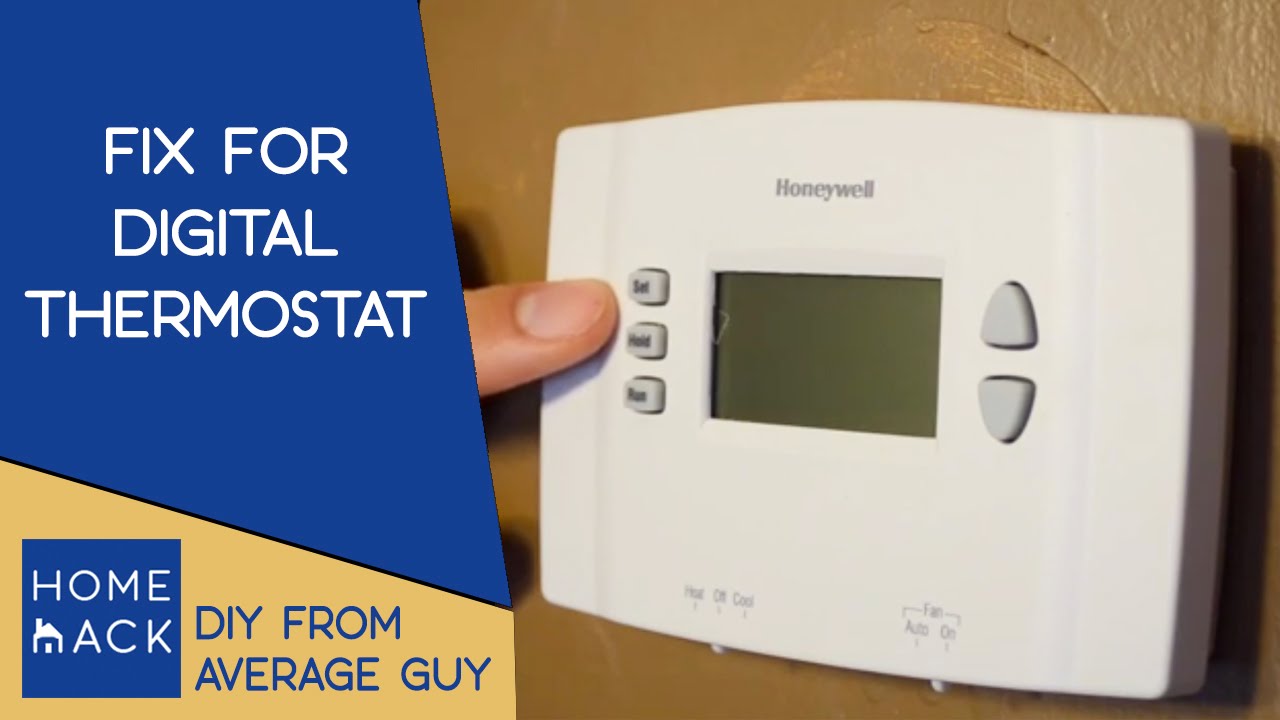
When your Honeywell thermostat screen goes blank, it can be frustrating. The problem might be simple and easy to fix. Troubleshooting display issues helps you find the cause quickly. You can check some common problems before calling for help. This saves time and money.
Cleaning The Screen
Dirt and dust can block the screen. Use a soft, dry cloth to wipe the display gently. Avoid using water or cleaning sprays. These can damage the thermostat. Clean the screen regularly to keep it clear and bright. A clean screen helps the thermostat work properly.
Adjusting Display Settings
Sometimes, the screen may be on but very dim. Check the brightness settings in the menu. Increase the brightness to make the display visible. Also, look for any sleep or power-saving modes. Turning these off can keep the screen on. Adjusting settings often solves the blank screen problem.
Credit: www.youtube.com
Preventive Tips To Avoid Future Problems
Keeping your Honeywell thermostat working well takes some care. Simple steps can stop problems before they start. These tips help keep your thermostat clear and ready to use. Follow these easy rules to avoid a blank screen and other issues.
Regular Maintenance
Check your thermostat often. Clean the screen gently with a soft cloth. Dust and dirt can cause the screen to go blank. Replace batteries every year to keep power steady. Look at wires for loose connections or damage. Tighten any loose wires carefully. Reset the thermostat now and then to keep it fresh.
Proper Installation Practices
Install your thermostat away from direct sunlight or heat sources. Avoid placing it near windows or vents. Use the right tools and follow the instructions fully. Make sure wires connect correctly to the terminals. Double-check the power supply before finishing installation. A well-installed thermostat works better and lasts longer.
Frequently Asked Questions
Why Is My Honeywell Thermostat Screen Blank?
A blank screen often means a power issue. Check if the thermostat is properly connected. Also, inspect circuit breakers and batteries.
How Do I Fix A Blank Honeywell Thermostat Display?
Start by replacing batteries if applicable. Reset the thermostat by turning power off and on. Verify wiring connections are secure.
Can A Tripped Breaker Cause A Blank Thermostat?
Yes, a tripped breaker can cut power to your thermostat, causing a blank screen. Reset the breaker to restore power.
Is A Faulty C-wire Causing My Honeywell Thermostat To Be Blank?
A missing or faulty C-wire can prevent power supply, making the screen blank. Ensure the C-wire is connected and functioning properly.
Conclusion
A blank Honeywell thermostat can feel frustrating and confusing. Often, simple fixes solve the problem quickly. Check the power source first and replace dead batteries. Make sure the circuit breaker is on and wiring is secure. Sometimes, a reset helps the screen light up again.
If these steps don’t work, professional help might be needed. Staying patient and trying these tips can get your thermostat working soon. Don’t ignore the issue, as it controls your home’s comfort. Small efforts now prevent bigger problems later.
Check Best Thermostat Pricing in Amazon
** As an Amazon Associate, I earn from qualifying purchases.




