
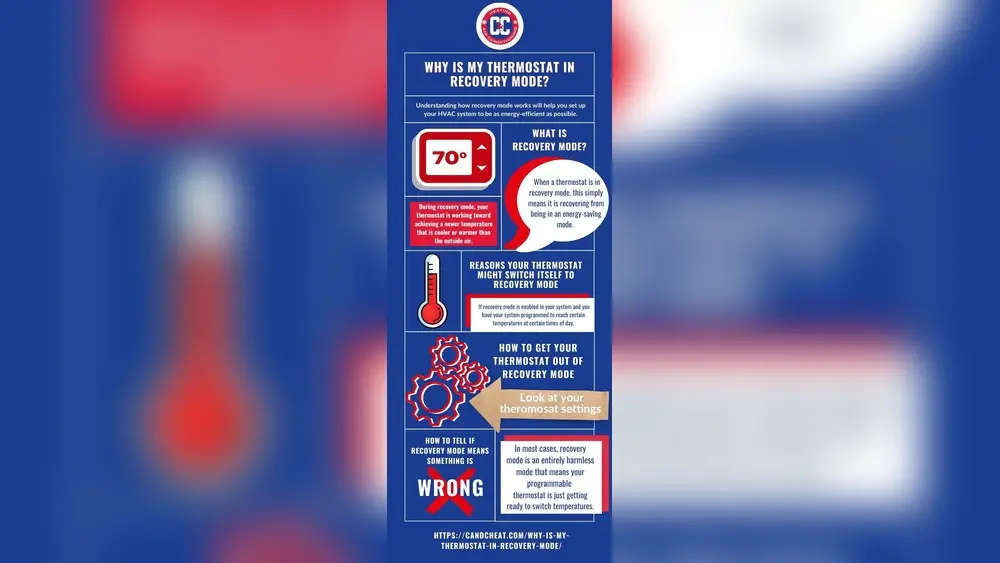
Check Best Thermostat Pricing in Amazon
** As an Amazon Associate, I earn from qualifying purchases.
Have you ever noticed the phrase “In Recovery” on your Honeywell thermostat and wondered what it means? If you’re trying to keep your home comfortable without wasting energy, understanding this feature can make a big difference.
Knowing how “In Recovery” works helps you get the perfect temperature exactly when you want it, without surprises or extra costs. Keep reading to discover what this mode is, why it matters for your comfort and energy bills, and how you can use it to make your thermostat work smarter for you.
Credit: www.reddit.com
Recovery Mode Basics
Recovery mode is a helpful feature on Honeywell thermostats. It makes sure your home reaches the right temperature at the time you want. This mode works quietly in the background. It adjusts heating or cooling ahead of schedule. This way, your home feels comfortable when you arrive.
How Recovery Works
Recovery mode starts before your set time. It turns on the heating or cooling early. The thermostat calculates the time needed to reach your target temperature. It uses your home’s size and insulation data. This helps save energy by not running too long. The system stops once the temperature is right.
Purpose Of Recovery Mode
The main goal is comfort and energy savings. Your home is warm or cool at the set time. You do not wait for the temperature to change. It avoids wasting energy by running all day. Recovery mode balances comfort with efficiency. It helps lower your energy bills too.
When Recovery Activates
The recovery feature on a Honeywell thermostat helps your home reach the desired temperature at the right time. It starts working before your scheduled time to make sure the temperature is comfortable when you need it. Understanding when recovery activates can help you save energy and stay cozy.
Scheduled Heating And Cooling
Recovery activates ahead of your programmed heating or cooling time. For example, if your thermostat is set to heat the house at 7 AM, recovery starts earlier. It warms the home gradually, so it feels right at 7 AM. The same applies to cooling in summer. This process prevents sudden temperature changes and saves energy.
Manual Triggers
You can also start recovery manually. When you adjust the temperature away from the current setting, recovery kicks in. It works to reach your new temperature quickly. This feature helps when you want immediate comfort without waiting for the next schedule. Manual recovery keeps your home comfortable on your terms.
Benefits Of Recovery Mode
Recovery mode on a Honeywell thermostat helps your heating or cooling system reach the desired temperature at the right time. This feature starts the system early so your home feels comfortable exactly when you want it. The benefits of recovery mode go beyond just comfort. It also helps save energy and keeps your home environment balanced.
Energy Efficiency
Recovery mode uses the system wisely to avoid running it too long. It learns how long it takes to heat or cool your home. This way, it powers the system just enough to reach your set temperature. It prevents wasting energy by avoiding early or late starts. This small control helps lower your utility bills.
Comfort Optimization
This mode ensures your home reaches the right temperature on time. No more waiting in a cold or hot room. It adjusts heating or cooling gradually for steady comfort. The temperature stays even, not too hot or cold. Recovery mode keeps your living space pleasant all day.
Credit: goduganair.com
How To Set Recovery Mode
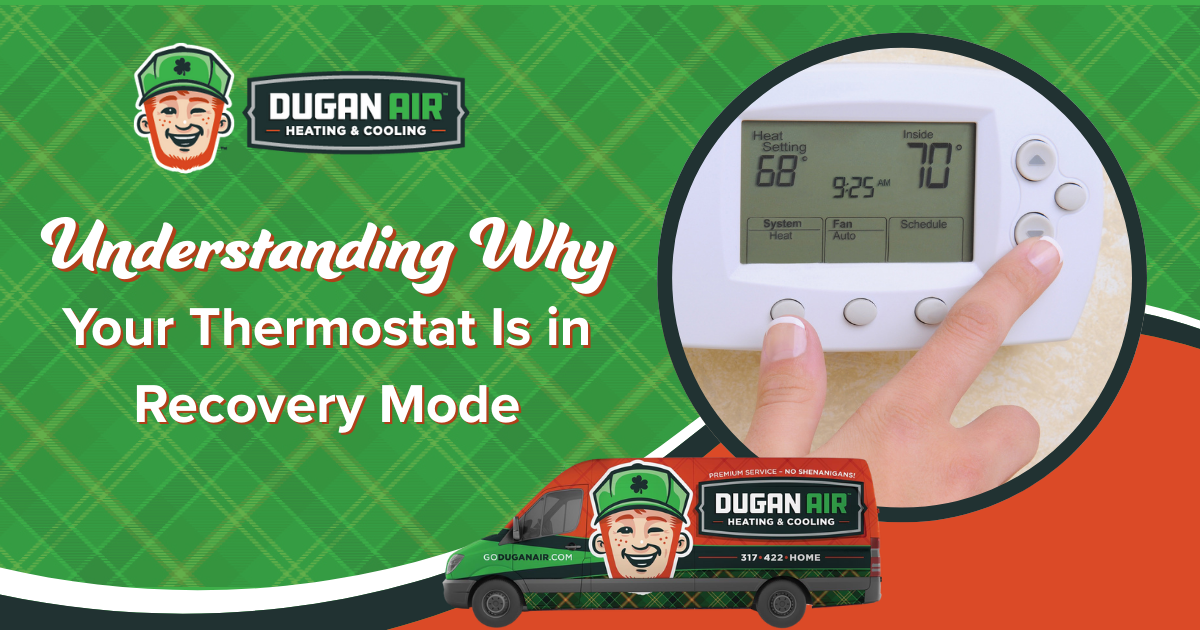
Setting Recovery Mode on your Honeywell thermostat helps save energy and keeps your home comfortable. This mode starts heating or cooling early. It reaches the desired temperature by the time you want. Follow these steps to set Recovery Mode correctly.
Programming The Thermostat
Start by pressing the “Menu” button on your thermostat. Choose “Schedule” or “Program.” Select the day or days you want to set. Pick the time when you want the temperature to be reached. This is the time Recovery Mode will finish.
Adjusting Temperature Settings
Set the temperature you want at the chosen time. Use the up or down arrows to adjust. Make sure the temperature is comfortable but saves energy. Confirm your settings by pressing “Done” or “Save.” The thermostat will now start early to reach this temperature on time.
Troubleshooting Recovery Issues
Troubleshooting recovery issues on a Honeywell thermostat can be simple. Recovery mode means the thermostat starts heating or cooling early. It reaches your set temperature by the time you want.
Check Best Thermostat Pricing in Amazon
** As an Amazon Associate, I earn from qualifying purchases.
Sometimes recovery does not work correctly. The room may feel too hot or cold. The system might run too long or stop too soon. Fixing these problems helps save energy and keeps you comfortable.
Common Problems
One common problem is the thermostat not entering recovery mode. This may happen if the schedule is off or the time is wrong. Another issue is the system running too long during recovery. This can waste energy and wear out equipment.
Some users notice the temperature does not match the set point. The sensors may be dirty or placed incorrectly. Sometimes the recovery feature is turned off by mistake. This stops the thermostat from starting early.
Simple Fixes
Check the thermostat schedule and make sure the times are correct. Set the current time on the thermostat if it is wrong. Turn the recovery feature on if it was off. Clean or move the thermostat to a better spot.
Reset the thermostat if it acts strangely. This can clear errors and glitches. Replace batteries if the display is dim or unresponsive. Update the thermostat software if updates are available. These fixes help recovery work as it should.

Credit: www.youtube.com
Comparing Recovery To Other Modes
Understanding different modes on your Honeywell thermostat helps manage your home’s temperature better. Recovery mode is one option. Comparing it to other modes shows how each works and when to use them. This helps save energy and stay comfortable.
Recovery Vs. Hold
Recovery mode warms or cools your home before a scheduled time. It starts early to reach the set temperature on time. Hold mode keeps a temperature constant until you change it. It does not follow a schedule. Use Hold if you want steady temperature without changes. Recovery is better for saving energy with a schedule.
Recovery Vs. Smart Response
Smart Response learns how long your system takes to heat or cool. It then adjusts start times automatically. Recovery mode starts heating or cooling based on a fixed schedule. Smart Response adapts to your home’s needs daily. Recovery is simple and schedule-based. Smart Response offers more precise control and comfort.
Frequently Asked Questions
What Does “in Recovery” Mean On A Honeywell Thermostat?
“In Recovery” means the thermostat is actively adjusting temperature to reach your set schedule. It optimizes energy use while ensuring comfort. The system starts heating or cooling early to achieve the desired temperature by the scheduled time.
How Long Does The “in Recovery” Mode Last?
The “In Recovery” mode duration depends on the temperature difference. It can last from a few minutes to over an hour. The thermostat calculates this to reach your programmed temperature efficiently without wasting energy.
Can “in Recovery” Mode Save Energy On My Honeywell Thermostat?
Yes, “In Recovery” mode helps save energy by gradually adjusting temperatures. It avoids sudden temperature changes, reducing HVAC strain. This feature ensures comfort and energy efficiency by optimizing heating and cooling times based on your schedule.
Why Is My Honeywell Thermostat Stuck In “in Recovery”?
If stuck in “In Recovery,” the thermostat may face sensor or wiring issues. It could also indicate incorrect temperature settings or system malfunctions. Restarting or checking system settings often resolves this problem.
Conclusion
The “In Recovery” mode helps your Honeywell thermostat save energy. It starts heating or cooling early to reach your set temperature on time. This feature keeps your home comfortable and efficient. Understanding this mode makes your thermostat easier to use.
Now, you can trust your system to work smart and save power. Simple and effective. That’s what “In Recovery” means.
Check Best Thermostat Pricing in Amazon
** As an Amazon Associate, I earn from qualifying purchases.




