
Check Best Thermostat Pricing in Amazon
** As an Amazon Associate, I earn from qualifying purchases.
Have you ever found yourself locked out of your Emerson thermostat, unable to adjust the temperature just when you need it most? It can be frustrating when your comfort depends on a device that won’t respond.
But don’t worry—unlocking your Emerson thermostat is easier than you think. In this guide, you’ll discover simple, step-by-step methods to regain full control over your thermostat quickly. Keep reading to take back control and make your home’s temperature work for you again.

Credit: www.youtube.com
Why Thermostats Get Locked
Thermostats sometimes get locked to prevent unwanted changes. This helps keep the temperature steady and saves energy. Locking stops accidental or unauthorized adjustments. It is common in homes, offices, and public places.
Common Lock Causes
One cause is child safety. Kids may play with the thermostat and change settings. Locking avoids this problem. Another cause is energy saving. Some buildings lock thermostats to control heating and cooling costs. Unauthorized changes can lead to higher bills. Sometimes, landlords or building managers lock thermostats to keep control over temperature settings. This helps maintain a comfortable environment for everyone.
Benefits Of Locking
Locking thermostats helps maintain steady temperatures. This prevents sudden changes that waste energy. It protects settings from being changed by mistake. Locking also reduces disputes about the right temperature. In shared spaces, it keeps the environment fair for all users. Overall, locking thermostats helps save money and energy.
Identifying A Locked Emerson Thermostat
Identifying a locked Emerson thermostat is the first step to regaining control of your home’s temperature. A locked thermostat limits changes to settings. It helps prevent accidental or unauthorized adjustments.
Knowing the signs of a locked thermostat saves time and frustration. It also helps ensure your heating or cooling system works properly. Below are clear ways to spot a locked Emerson thermostat.
Lock Symbols And Indicators
Emerson thermostats show a lock icon on the screen when locked. This icon looks like a small padlock. It appears near the temperature display or menu.
Some models flash the lock symbol. Others keep it steady. The lock icon tells you the thermostat settings cannot be changed. Buttons may also stop responding or feel inactive.
Access Restrictions
Access restrictions limit what you can change on the thermostat. Certain settings may be greyed out or unresponsive. Temperature adjustments might be blocked completely.
Some Emerson thermostats require a code to unlock. Without it, menus and advanced settings stay hidden. This protects the system from unwanted changes.
Basic Unlocking Methods
Basic methods help regain control of a locked Emerson thermostat. These steps are simple and do not need special tools. They work for many models and common lock situations. Follow the instructions carefully for best results.
Using Default Passcodes
Many Emerson thermostats use default codes to lock settings. These codes are easy to enter and unlock the device fast. Common default passcodes include 1234, 0000, or 1111. Try these codes first before any other method. Enter the code on the thermostat keypad and press the unlock button. The thermostat should become active and allow changes.
Resetting The Thermostat
Resetting the thermostat clears all settings and locks. This method returns the device to factory defaults. Find the reset button or remove the thermostat from its base. Wait for about 30 seconds before reconnecting. This process removes any custom passcodes. After reset, set up the thermostat again from the start. Use this method only if default codes do not work.
Step-by-step Unlock Guide
Unlocking an Emerson thermostat is simple with this clear guide. Follow these steps carefully to regain full control of your device. Each step focuses on a key action to unlock your thermostat quickly and safely.
Locating The Lock Button
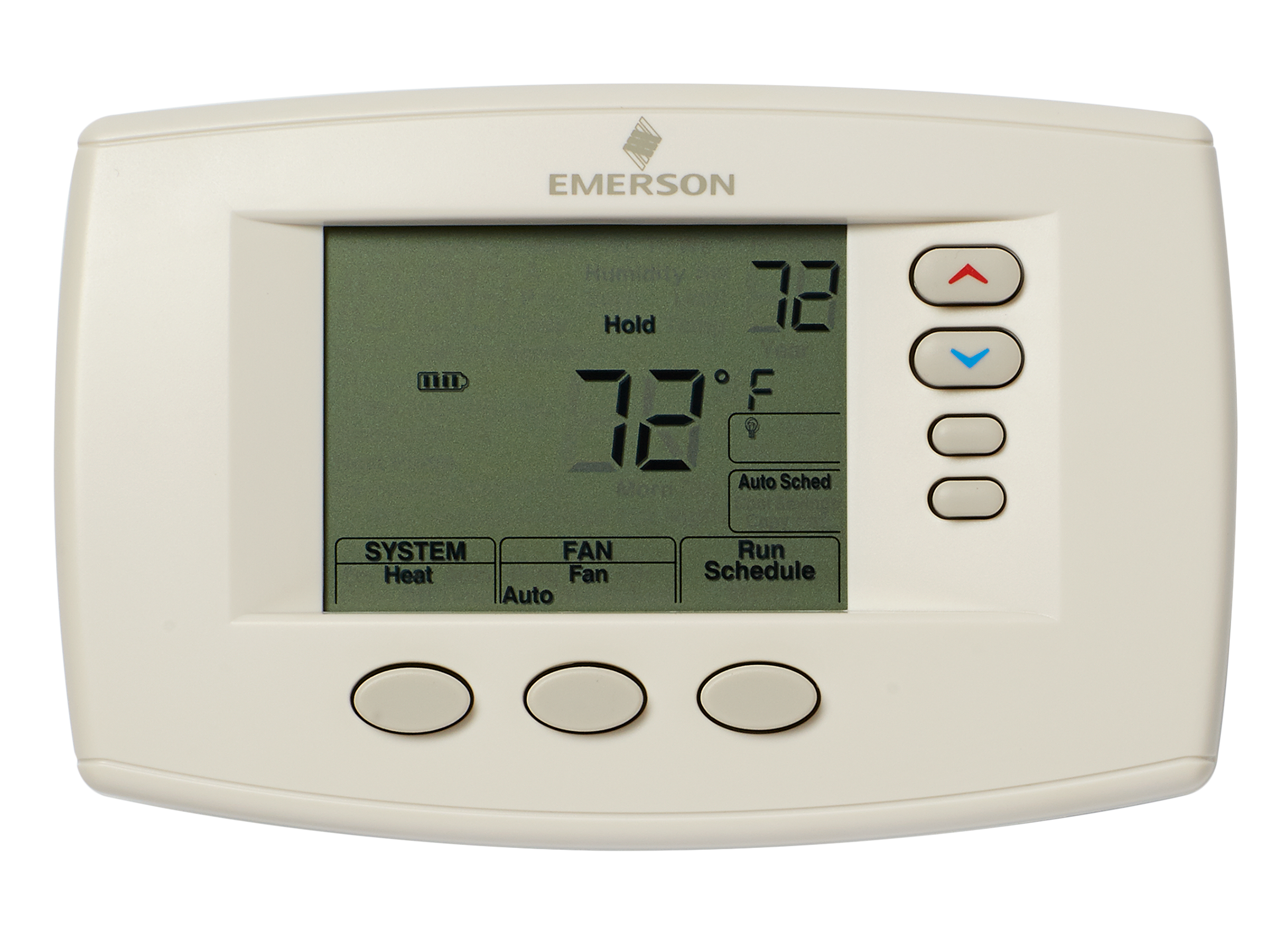
First, find the lock button on your Emerson thermostat. It is usually on the front or side panel. The button may have a lock icon or be labeled “Lock.” Press and hold the button for a few seconds. This action starts the unlocking process.
Check Best Thermostat Pricing in Amazon
** As an Amazon Associate, I earn from qualifying purchases.
Entering The Unlock Code
Next, enter the unlock code when prompted. The default code is often “1234” or “0000.” Use the arrow keys to select each number. Press “OK” or “Enter” after typing the code. This step lets the thermostat know you want to unlock it.
Confirming Unlock Status
Finally, check if the thermostat is unlocked. The screen should no longer show a lock icon. Test by adjusting the temperature settings. If changes work, the device is unlocked successfully. If not, repeat the steps or consult the user manual.
Troubleshooting Unlock Issues
Sometimes, your Emerson thermostat may not respond or stay locked. Troubleshooting these issues helps restore control quickly. Knowing common problems saves time and frustration.
Forgotten Passcodes
Forgetting your passcode is common. Try default codes like 1234 or 0000 first. Check your thermostat manual for specific defaults. If these don’t work, reset the thermostat to factory settings. Hold the reset button for about 5 seconds. This erases all settings, including the passcode. Set up your thermostat again with a new code. Write down the new code in a safe place.
Non-responsive Buttons
Buttons might not respond due to dirt or damage. Clean the buttons gently with a soft cloth. Avoid using water or harsh chemicals. Press each button firmly but not too hard. If the buttons still don’t work, restart the thermostat. Turn off power for 30 seconds, then turn it back on. Persistent issues may mean internal damage. Contact a professional for repair or replacement advice.
Credit: www.consumerreports.org
Preventing Future Locks
Preventing future locks on your Emerson thermostat saves time and frustration. It helps keep your system working smoothly. Simple steps can reduce the chance of locks. These steps protect your comfort and convenience.
Adjusting Lock Settings
Check your thermostat settings regularly. Some models allow you to change lock options. Set a time limit for automatic locking. Disable locking if you do not need it. Adjust settings to suit your daily routine. This helps avoid accidental locks during use.
User Access Management
Limit who can change thermostat settings. Share access only with trusted users. Use a password or PIN to protect controls. Teach family members how to use the thermostat properly. Clear rules prevent unwanted changes. Managing access keeps the system secure and easy to use.
Credit: www.partshnc.com
Frequently Asked Questions
How Do I Unlock An Emerson Thermostat Quickly?
To unlock an Emerson thermostat, press and hold the “Up” and “Down” arrow buttons simultaneously for 5 seconds. The lock icon will disappear, allowing you to adjust settings freely.
Why Is My Emerson Thermostat Locked?
Your Emerson thermostat locks to prevent accidental changes. This safety feature activates automatically after a few minutes of inactivity or can be manually set.
Can I Unlock Emerson Thermostat Without A Code?
Yes, most Emerson thermostats unlock by pressing specific button combinations. Usually, holding the “Up” and “Down” arrows together for several seconds will unlock it without needing a code.
What To Do If My Emerson Thermostat Won’t Unlock?
If your thermostat won’t unlock, try resetting it by removing batteries for 30 seconds. If the problem persists, consult the user manual or contact Emerson customer support.
Conclusion
Unlocking your Emerson thermostat is simple with the right steps. Follow the clear instructions carefully to avoid mistakes. Take your time and check each part as you go. Your comfort depends on a properly working thermostat. Now you can adjust settings freely and save energy.
Keep this guide handy for future reference. Enjoy better control over your home’s temperature today.
Check Best Thermostat Pricing in Amazon
** As an Amazon Associate, I earn from qualifying purchases.




